Table of Contents
I WAS SUSPICIOUS OF THE APP CONTROL
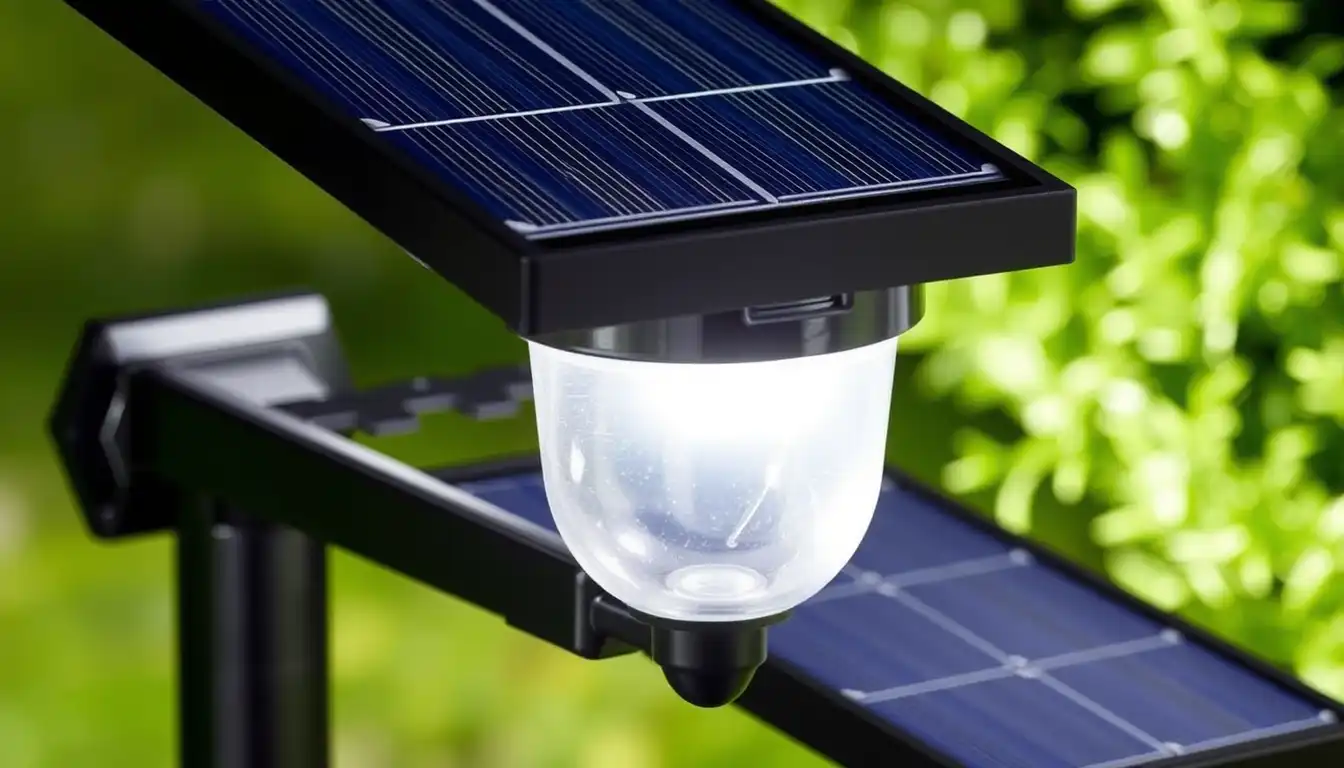
When I first saw smart solar pathway lights, I thought they were overly complicated. Solar lights are simple. You stake them in the ground. They charge during the day. They light at night. Done.
Adding app control seemed unnecessary. Like paying extra for features I’d never use. Another app on my phone. Bluetooth connectivity issues. Wifi setup nightmares. I could live without that.
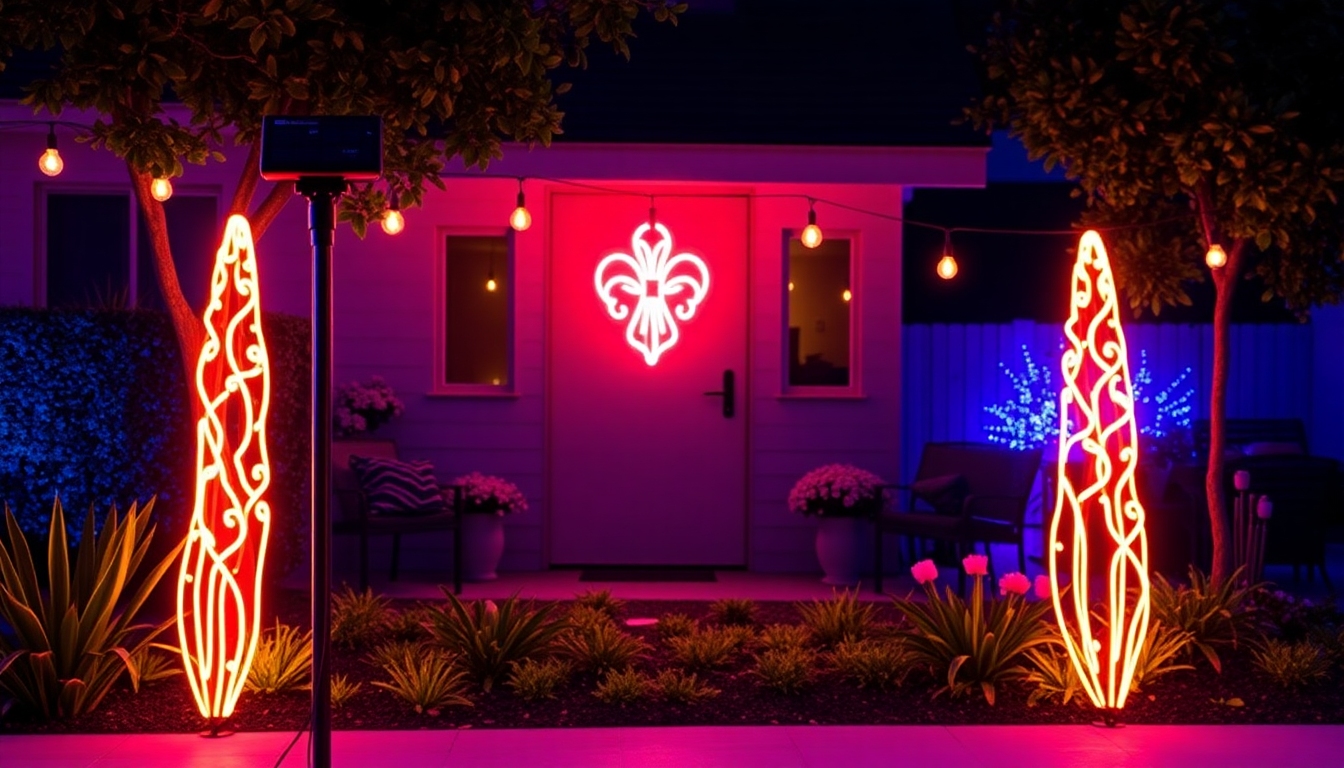
Then my brother showed me his setup. He had pathways lit with color-changing solar lights that synced to music. He pulled out his phone, changed the color, adjusted brightness. It was smooth. No lag. No frustration.
I was skeptical but intrigued. I ordered a set of Linkind smart pathway lights just to test the concept. Figured if they were terrible, I’d return them.
THE SETUP WAS SIMPLER THAN I FEARED
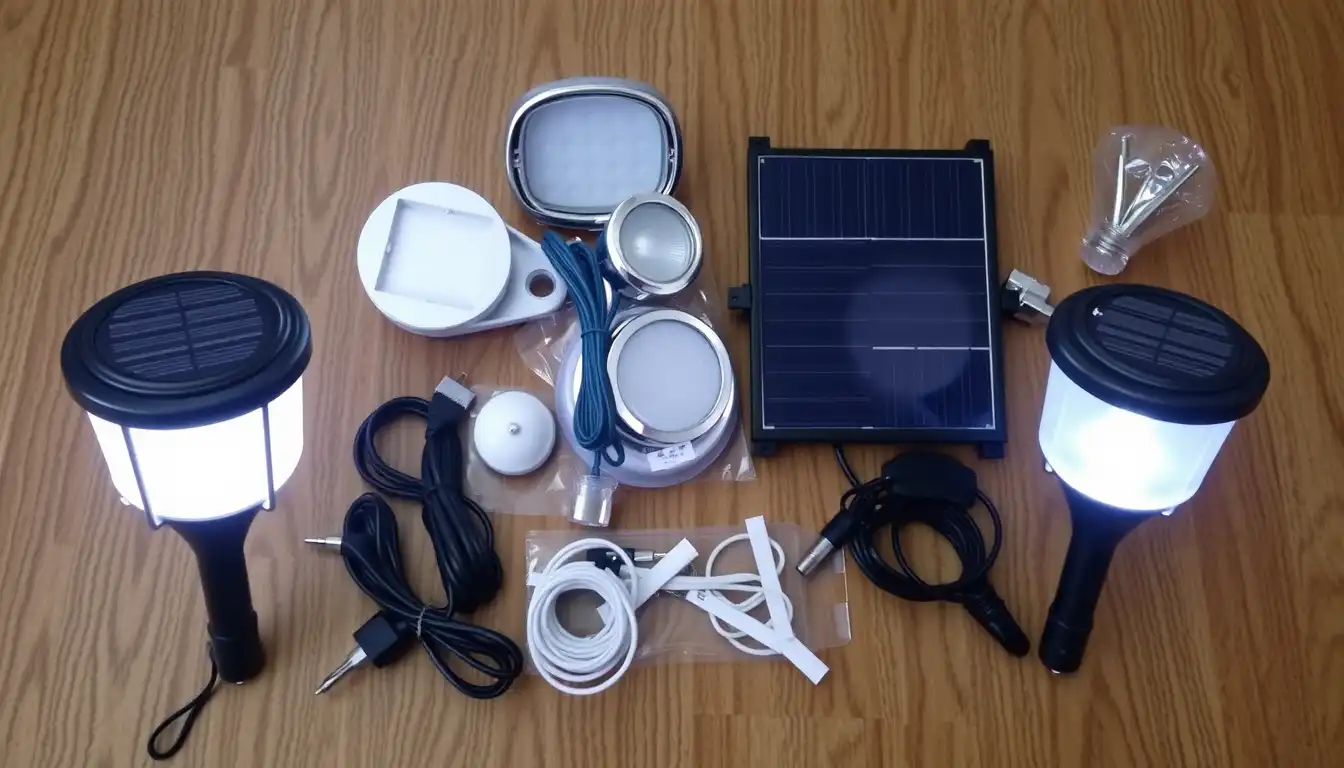
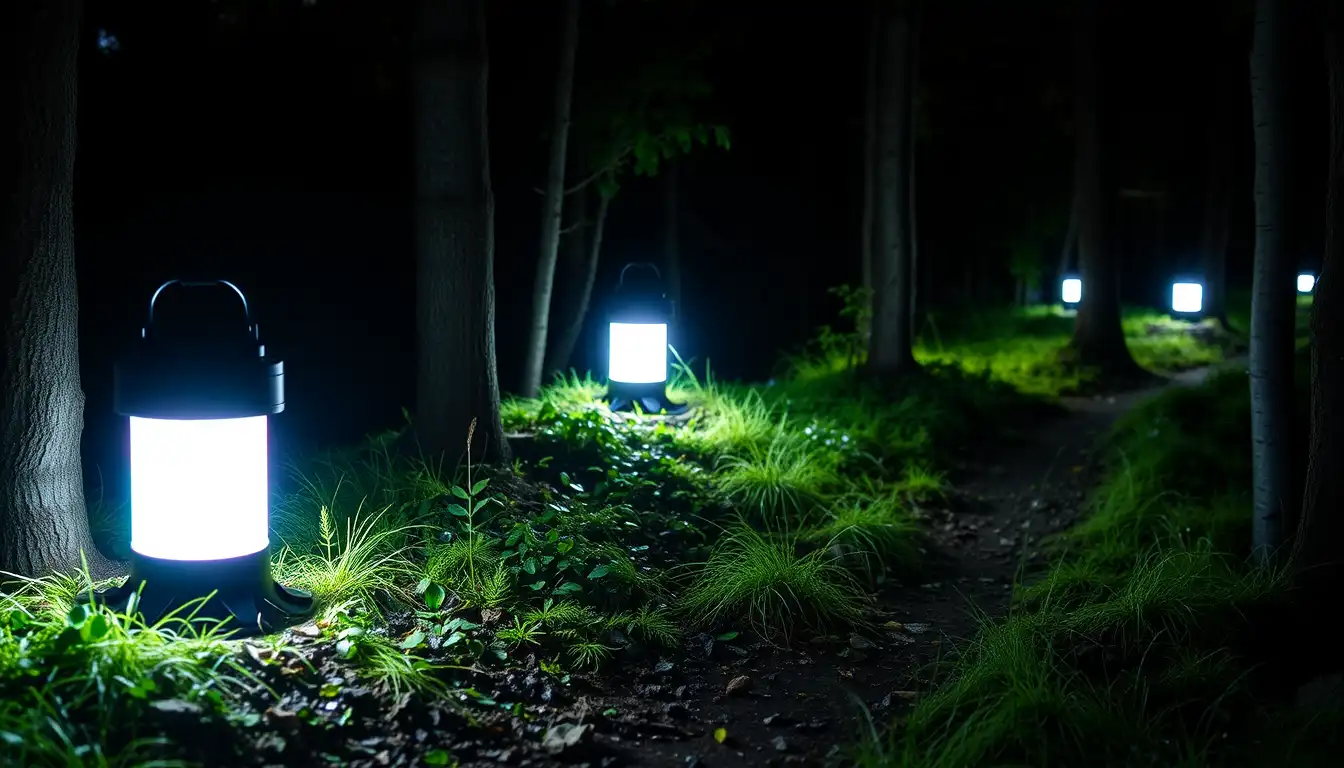
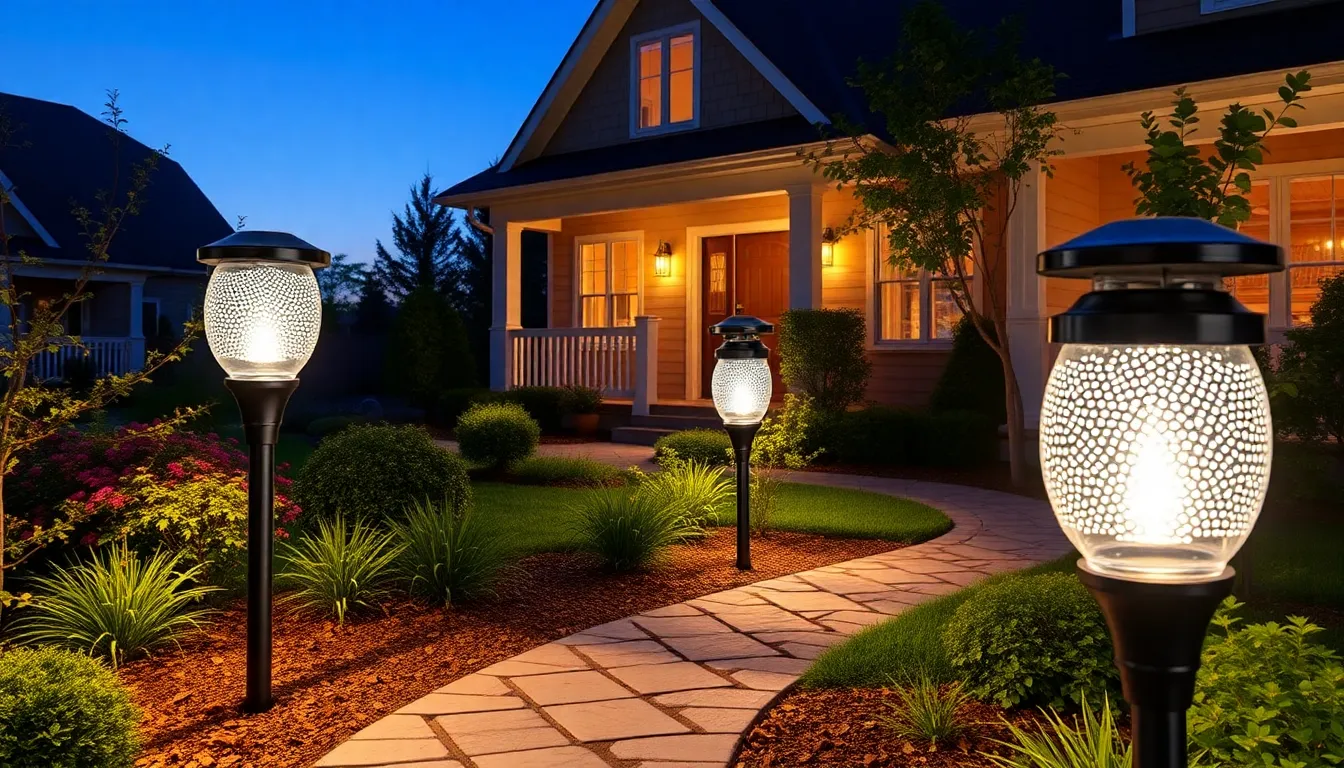
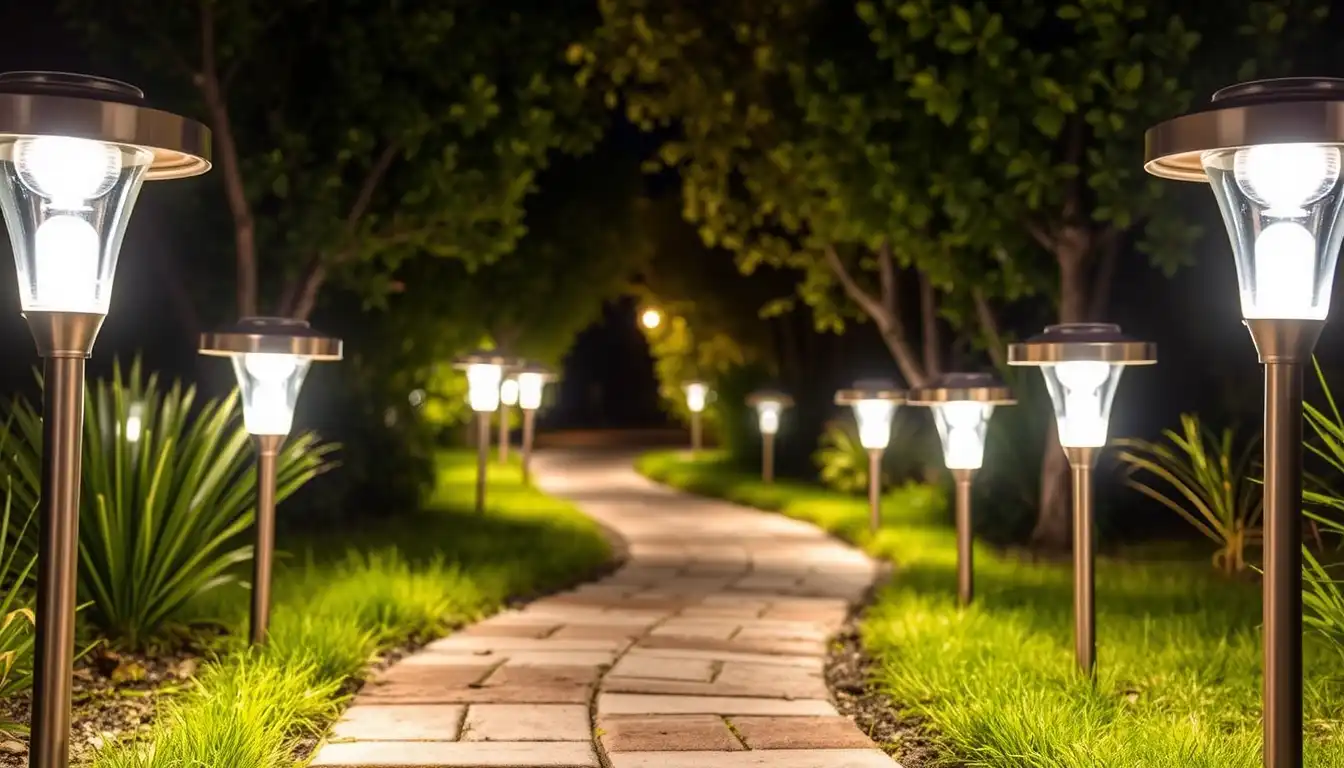
I unboxed them expecting complicated installation. The instructions were actually straightforward. Stake goes in the ground. Light sits on the stake. Done physically. That part took maybe 20 minutes for my whole pathway.
The app part seemed more complex. Download the app. Create an account. Connect to Bluetooth. Add devices one by one.
It took longer than the physical setup but wasn’t difficult. The app walked me through it step by step. Each light connected smoothly. No weird pairing issues. No devices refusing to connect.
Within an hour I had six pathway lights connected to the app and fully functional.
BRIGHTNESS CONTROL FROM MY PHONE IS ACTUALLY USEFUL
I thought I’d never use this feature. The lights work automatically. Why would I need to control brightness.
Then I had an evening gathering and realized the lights were at full brightness in early dusk when it wasn’t dark yet. Made the space feel too illuminated. Too exposed.
I opened the app and dimmed them to 60 percent. Perfect. The vibe changed immediately. More subtle. More comfortable.
I realized I adjust brightness constantly depending on the situation. Evening relaxation. Late night guests arriving. Early morning work in the yard. Different times need different brightness levels.
The app made this flexible instead of fixed. That’s actually valuable.
COLOR CHANGING IS HALF GIMMICK, HALF GENUINELY NICE
When I first played with colors, I went crazy. Tried every color option. Red. Blue. Purple. Green. It was fun for about five minutes.
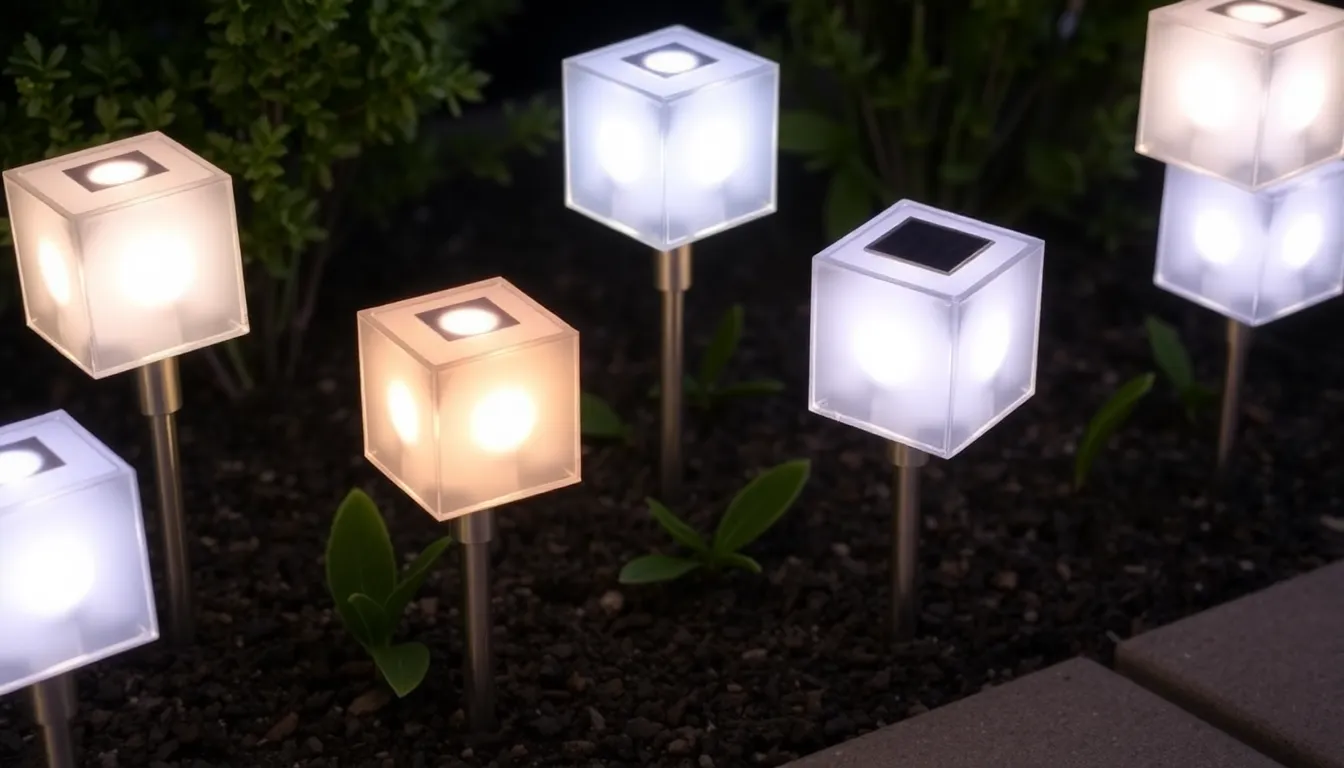
Then I settled into what actually looked good on my yard. Warm white for normal evenings. Cool white if I’m working on something. Soft blue for late night ambiance.
The color changing is gimmicky for daily use. But honestly, it’s nice for events. Birthday party. Different vibe with different colors. Holiday decorations. Specific colors for Christmas or Halloween.
I use color changes maybe once a month. The standard warm white is my default. But having the option is nice.
MUSIC SYNC ACTUALLY WORKS
This is the one feature I thought would be totally useless. Lights syncing to music sounded ridiculous.
I tested it at a backyard gathering with a bluetooth speaker. The lights responded to the music tempo. Brighter during loud moments. Dimmer during quiet parts. Different colors reflecting rhythm changes.
It was genuinely fun. People noticed it immediately. It created an atmosphere that plain lights couldn’t match.
Obviously this isn’t everyday functionality. But for entertaining, it’s actually clever. Worth having even if you only use it a few times yearly.
SCHEDULING CHANGED HOW I USE THE LIGHTS
I set the lights to turn on at 50 percent brightness at 5 PM every evening. They ramp up to full brightness at 6 PM. Then at 11 PM they automatically dim to 30 percent.
This schedule means I have light when I typically use my yard. It reduces battery drain during deep night hours when I’m not outside anyway. The lights stay on all night but use less power during low-activity hours.
It’s optimization that you wouldn’t even think about without the app. The automatic on-off schedule saves battery life while matching when I actually need the light.
GROUP CONTROL IS VALUABLE IF YOU HAVE MULTIPLE LIGHTS
I have 12 pathway lights total. The app lets me control them individually or group them by section of my yard.
Front pathway lights as one group. Side yard lights as another. Back patio lights as a third group.
I can adjust each group separately without touching individual lights. Change the whole front section’s brightness at once. Sync only the back patio to music.
For a small setup, individual control is fine. For a whole-yard installation, group control saves time and makes sense.
BATTERY PERFORMANCE IS THE REAL STORY
The app shows battery status for each light. I can see which lights are charged and which are running low.
One light in a shaded area consistently showed lower battery than others. The app made this visible. I realized I’d placed it poorly. Moved it to better sunlight. Battery performance improved immediately.
Without the app showing battery status, I would have assumed the light was defective.
WEATHER AFFECTS PERFORMANCE VISIBLY IN THE APP
After cloudy days, I noticed battery percentages lower than after sunny days. The app displays this clearly.
On really overcast days, some lights might only charge to 70 percent. After sunny days they’re at 100 percent.
This visibility helped me understand why lights seemed dimmer on certain evenings. It wasn’t the lights. It was weather-dependent charging.
Knowing this, I plan outdoor entertaining around sunny days when batteries will be fully charged.
THE MOTION SENSOR FEATURE ISN’T ON BASIC MODELS
Some smart pathway lights have motion sensors. Mine don’t. I considered upgrading but honestly the basic brightness and color control were enough.
If security was my priority, I’d definitely get motion sensors. But for ambiance and pathway lighting, motion detection wasn’t necessary.
REAL LIMITATIONS I DISCOVERED
The app connection sometimes drops if I’m far from the lights. Bluetooth range is limited. If I’m inside and the lights are in the far yard, the connection can be spotty.
The app works perfectly when you’re near the lights or on the same wifi network, but range-limited Bluetooth has limitations.
Also, changing settings takes a couple seconds. Not instant. It’s fine for occasional adjustments but noticeable if you’re tweaking constantly.
The 16 million color options sound impressive until you realize most of them look weird outdoors. You end up using the same 10 colors over and over.
WHAT I ACTUALLY USE THE APP FOR
Honest answer: 90 percent of the time I don’t touch the app. The lights are on automatic schedules. They work perfectly without intervention.
I use the app for special situations. Parties where I want music sync. Late afternoon when I’m working outside and want brighter light. Holiday decorations. That’s it.
The automatic functionality is what matters. The app is nice to have for special situations. It’s not something I’m constantly adjusting.
THE COST IS REASONABLE FOR WHAT YOU GET
Quality smart pathway lights cost around 25 to 40 dollars per light depending on features. A basic non-smart solar pathway light is 8 to 15 dollars.
The extra cost gets you app control, color changing, music sync, group management. Is it worth the extra 15 to 25 dollars per light.
Honestly, for me yes. Not because I use every feature constantly but because it’s flexible. Different situations get different lighting responses. The lights adapt instead of being one-note.
IF YOU’RE CONSIDERING THESE
Buy from brands with good reviews. Cheap smart lights have terrible app experiences. The app matters as much as the hardware.
Make sure the charging is solid. The app should show battery status. If you can’t see battery health in the app, it’s a weak system.
Test the app carefully before committing to a full installation. Make sure the interface makes sense to you. Some apps are intuitive. Others are confusing.
Expect to use the app maybe 10 percent of the time after initial setup. The automatic scheduling is what you’re really paying for.
SUMMARY
I bought smart solar pathway lights expecting the app control to be useless. Turns out it’s genuinely helpful. I control brightness from my phone. I schedule lights to come on before I get home. I sync them to music for parties. The technology works better than I expected and costs nothing to operate. Here’s what actually matters when you buy these and what features are just marketing.