Table of Contents
WiFi solar lights for home security are showing up in more driveways, front porches, and backyards than ever before. And honestly, it makes a lot of sense. These lights use sunlight to power themselves, connect to your home WiFi, and send alerts straight to your phone when someone walks near your house at night. No electrician needed. No monthly power bill from running them. If you have been putting off improving your home security because it sounded complicated or expensive, this is the guide that changes your mind.
This is something we cover in detail in our guide on AI Powered Solar Lights
So What Exactly Are WiFi Solar Security Lights?
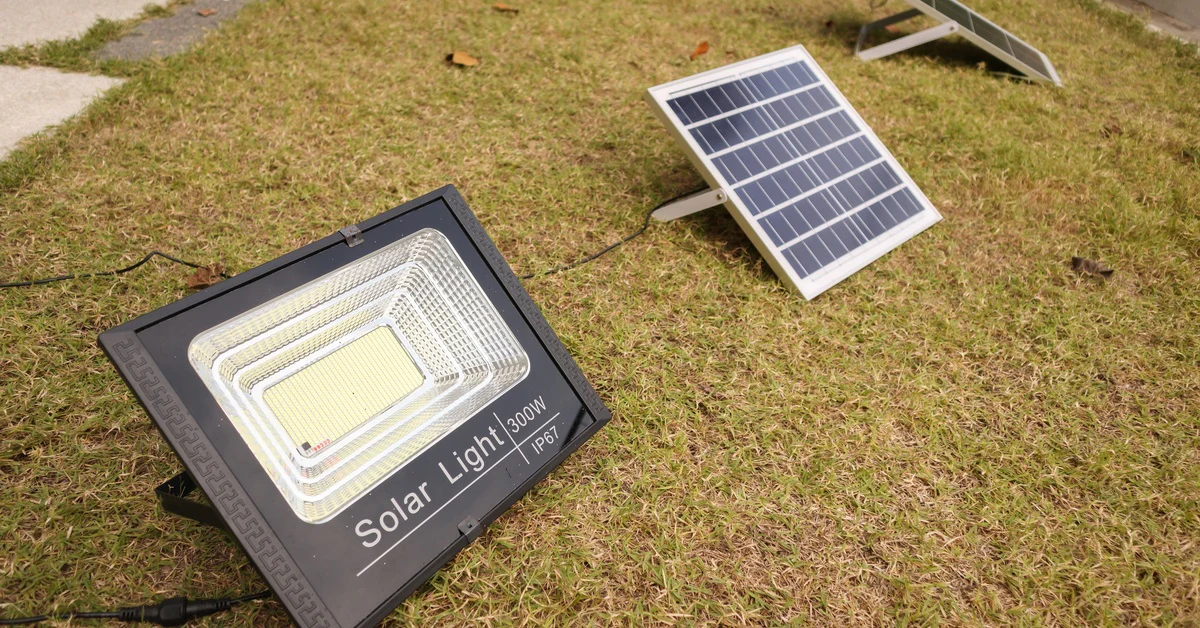
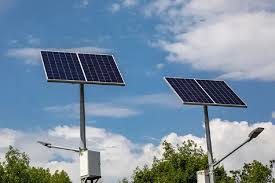
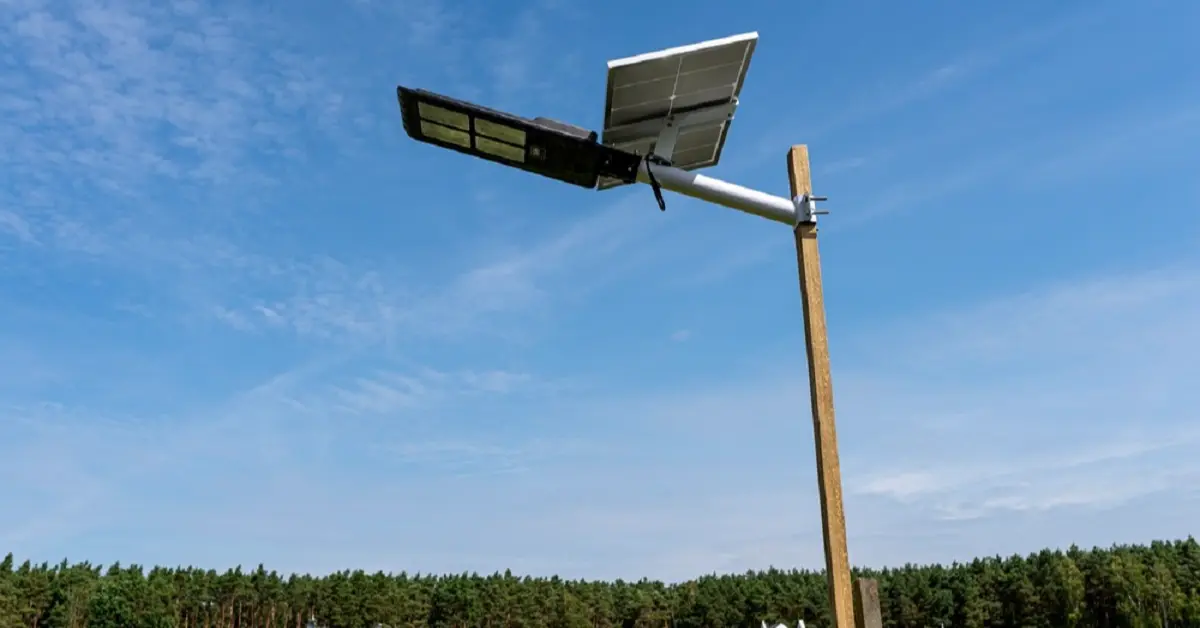
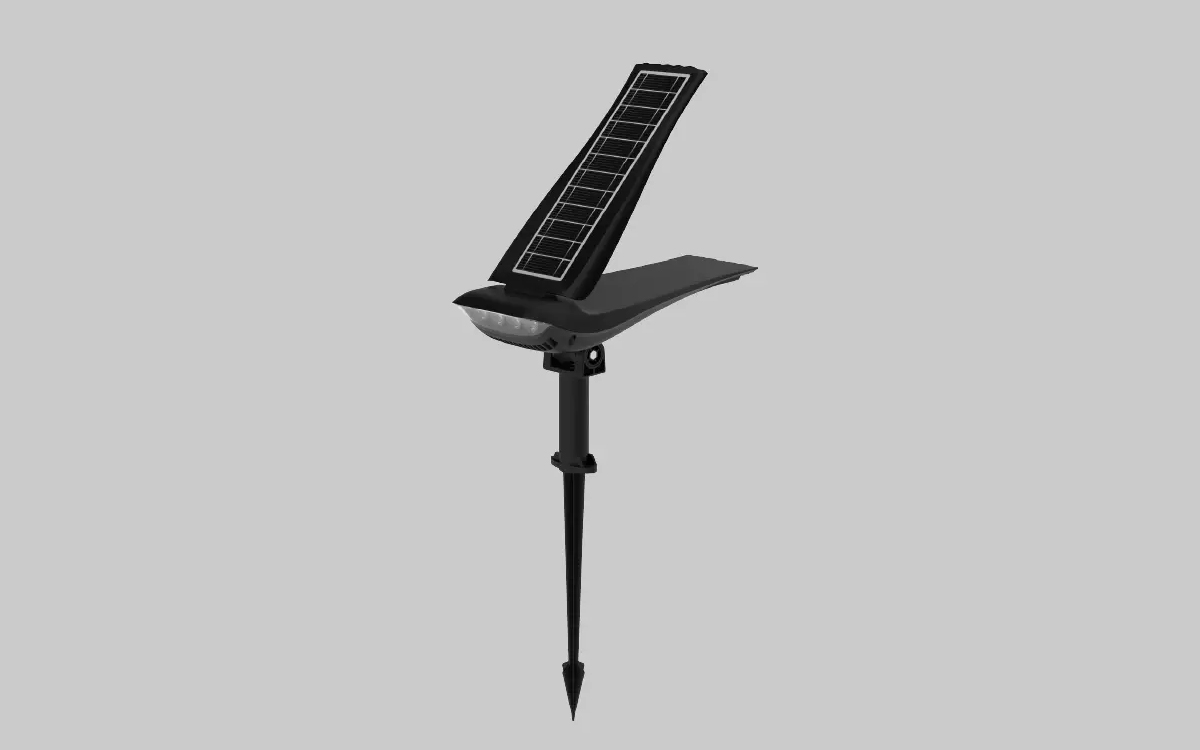
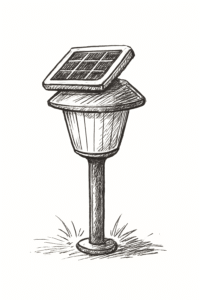
Picture a regular outdoor light. Now give it a small solar panel on top, a rechargeable battery inside, and the ability to connect to your home WiFi. That is what a WiFi solar security light is. During the day, the solar panel soaks up sunlight and stores that energy in the battery. Once it gets dark, the light switches on automatically using the stored power. No wires. No plugging anything in. The sun does the charging for you.
The WiFi part is where things get interesting. Because your light connects to your home network, you get control of it from your phone. You set it to turn on at a certain time, adjust how bright it gets, or check if there was any movement outside while you were at work. Some models even come with a small built-in camera so you see exactly what triggered the alert. It sounds high-tech but using it feels no different from adjusting your home thermostat from your couch.
How Does It Actually Work? A Simple Breakdown
You do not need to understand solar technology deeply to use these lights. Here is the basic flow:
- Sunlight hits the solar panel during the day and charges the battery inside the light.
- When it gets dark outside, the light turns itself on using that stored energy.
- If someone walks within range of the motion sensor, usually between 26 and 72 feet, the light gets brighter and your phone gets a notification.
- You open the app on your phone, check the alert, and see what is going on outside.
- If your light has a camera, you watch a live video feed right from your phone.
When nobody is around, the light dims back down to save battery. It is constantly working in the background, and you only hear from it when something actually needs your attention. That is the kind of security setup most homeowners want.
Why Are So Many People Switching to These Lights in 2026?
A few years ago, setting up outdoor security lighting meant hiring an electrician, running wires through your walls, and paying for the electricity every month. Most homeowners skipped it because the hassle was not worth it. WiFi solar security lights removed all of those barriers at once.
There are no wires to run. There is no electrician to call. Your electricity bill does not go up because the sun handles everything. Installation takes about 20 to 30 minutes with a screwdriver and the mounting hardware that comes in the box. Homeowners who put off upgrading their outdoor security for years are getting it done on a Saturday morning now.
Another big reason people are making the switch is smarter detection. Older motion lights would trigger every time a cat, a bird, or a plastic bag blew past. Newer WiFi solar security lights use built-in intelligence to tell the difference between a person walking up your path and a stray dog cutting through your yard. Fewer pointless alerts means you actually pay attention when a real one comes through.
What to Check Before You Buy One
Walking into a hardware store or scrolling through product listings without knowing what to look for is a fast way to buy the wrong light. Here are the things that actually matter.
How Bright Is It?
Brightness is measured in lumens. Think of lumens as how much light pours out of the fixture. For a front porch or small garden path, lights in the 400 to 1000 lumen range work fine. For a driveway, backyard, or any large open area, you want something between 2000 and 5000 lumens. A dim light outside your garage does not deter anyone. Get enough lumens for the space.
How Far Does the Motion Sensor Reach?
A motion sensor that only detects movement 15 feet away is not much use for a wide driveway or a back garden. Look for sensors that reach at least 30 to 50 feet. Some models go up to 72 feet. The wider the detection range, the earlier you get warned about someone approaching. That extra few seconds of notice matters.
What About the Battery?
This one catches a lot of buyers off guard. Some solar lights have batteries that are sealed inside and cannot be replaced. When the battery dies after a couple of years, you throw the whole light away. Always choose a model with a replaceable battery. A higher capacity battery also keeps your light running through cloudy stretches when the solar panel gets less sunlight than usual.
Will It Survive Rain and Heat?
Your outdoor light is going to deal with rain, dust, intense summer heat, and cold winter nights. Check for an IP65 rating on the product label. IP65 means the light is sealed well enough to handle direct water spray and heavy dust. Anything below that rating and you are taking a risk with its lifespan.
Does It Support WiFi 6?
WiFi 6 is simply the newest and fastest version of home WiFi. A light that supports WiFi 6 stays connected more reliably than older models, especially if you have several smart devices running on your home network. When a motion alert fires at 2am, you want your phone to get that notification immediately. A weak or dropped connection means you miss it.
Connecting Your Lights to the Rest of Your Home
If you already use Google Assistant, Amazon Alexa, or Apple HomeKit at home, your new WiFi solar security lights will fit right into that setup. You tell your lights what to do using your voice, or you set up automated rules so they handle things on their own.
One feature homeowners find particularly useful is the scheduling option. You set your lights to turn on at dusk and off at midnight, or run them all night on a dim setting. You also set them to run on motion-only mode to save battery when you go away for a few days.
There is also a trick called presence simulation. Your lights turn on and off at natural-looking times while you are on holiday, making the house look lived in. It is a simple thing but it works. A dark and quiet house every night for two weeks is an obvious signal that nobody is home.
This is something we cover in detail in our guide on Best Solar Security Lights for UK Homes 2026
Where Should You Put Your WiFi Solar Security Lights?
Placement decides how effective your lights are. The best spots for most homes are:
- Right above or beside your front door where visitors and strangers approach first.
- At the top of your driveway or garage entrance where vehicles and people come in.
- Along side gates and fences that give access to your backyard.
- Near your back door or patio sliding door.
- In dark corners of your property where the streetlight does not reach.
One thing worth remembering is that the solar panel needs good access to sunlight during the day to charge properly. If you mount a light under a deep roof overhang or in a permanently shaded corner, the battery will not charge well and the light will stop working reliably after sunset. Place the panel where it gets at least six hours of direct sunlight.
Are WiFi Solar Security Lights Actually Worth Paying For?
Let us be direct about this. A good WiFi solar security light costs more than a basic plug-in motion light. That is true. But when you work out what you are getting in return, the value becomes obvious very quickly.
You pay zero electricity to run them. The sun covers that cost for the entire life of the product. You pay nothing for monthly subscriptions on most models because your footage gets saved directly to a memory card inside the device. No cloud fees, no ongoing costs after the day you buy it.
You also save on installation. A wired outdoor security light setup with an electrician costs hundreds before you even turn it on. With a WiFi solar security light, you mount it yourself in half an hour and it starts working the same day.
Add it all up and the extra cost at purchase pays itself back within the first year through saved electricity, no installation fee, and no monthly subscription. After that, you are ahead.
Common Terms You Will See While Shopping
Product listings for WiFi solar lights for home security use a lot of terms that sound technical but are simple once you know what they mean. Solar-powered security lights and outdoor solar lighting systems both just describe lights that run on stored sunlight. Motion sensor solar lights are lights that only turn on or brighten when they detect movement nearby.
Wireless solar flood lights refer to wide-beam lights that spread light across a large area like a driveway or backyard. App-controlled outdoor lights simply means you control the light from your phone. IP65 weatherproof lights and rechargeable solar battery lights are both quality markers worth looking for. Smart home outdoor lighting is the broader category that all of these products fall into. None of these terms should slow you down when you are comparing options.
Wrapping It Up
WiFi solar lights for home security have made proper outdoor security genuinely accessible for regular homeowners. You do not need technical knowledge. You do not need an electrician. You do not need to spend a lot month after month. Pick a model with enough lumens for your space, a good motion detection range, a replaceable battery, an IP65 rating, and WiFi 6 support. Mount it where it gets sunlight and where it covers your key entry points. Your home gets noticeably safer, and your electricity bill stays exactly where it is.
Summary
WiFi solar lights for home security let you protect your home without wiring, electricity costs, or monthly fees. They charge from sunlight, connect to your phone through WiFi, and alert you the moment someone approaches. Smart detection tells the difference between people and animals, cutting down on false alarms. Setup takes under 30 minutes and works with Google Assistant, Amazon Alexa, and Apple HomeKit. For most homeowners, they are the simplest and most affordable outdoor security upgrade available in 2026.